Choose an action worth improving
Identify where a user spends effort today and what an accepted result looks like. Compare an AI-assisted path with the existing way to complete that task.

Services
Your SaaS has users, records and established workflows. Arcforth scopes an AI feature around one useful task, with the same permissions, operating expectations and product ownership as the rest of the application.
Identify where a user spends effort today and what an accepted result looks like. Compare an AI-assisted path with the existing way to complete that task.
Work out which account, role and records the feature may use. The AI interaction needs the product’s permission rules and source boundaries.
Agree evaluation cases, operating costs, review responsibilities and the rollout group. Keep a usable route when the AI step cannot complete.
A mature product rarely benefits from adding several unrelated AI buttons at once. Start with one recurring task: a support draft, a record summary, a classification or a suggested next action. Define the input, the accepted output and where it appears in the existing journey. Decide whether the result is advice, an editable draft or an action with external consequences.
The feature brief should identify eligible users, the data they can access and the point where a person can correct or reject the result. This service focuses on adding a feature to existing software. A new product that needs its core workflow designed belongs in AI product development; a standalone integration belongs in SaaS integration development.
Imagine a support workspace that already stores customer conversations and account records. An AI feature drafts a reply using the information the operator is authorised to see. It should expose missing context rather than confidently filling it in.
These are example acceptance cases for scoping, not features being asserted for a named client. They connect model quality to the product behavior the customer experiences.
Use representative examples from the permitted workflow, including incorrect assumptions, incomplete records and requests that should be escalated. Assess whether the output is useful and supported by its sources. Include review effort and retries in the operating-cost boundary, rather than comparing model prices alone.
The LLM evaluation guide provides the testing framework, while the AI pilot ROI example shows why review and fallback change the economics. For an initial rollout, agree the eligible account group, release owner, monitoring and the conditions that disable the feature or return users to the existing route.
Bring the current product, the task to improve, relevant roles, available APIs and approved examples of good and bad outputs. Identify who owns the existing codebase, release process and customer communication. An initial assessment should explain how the proposed feature fits those boundaries and which assumptions need testing.
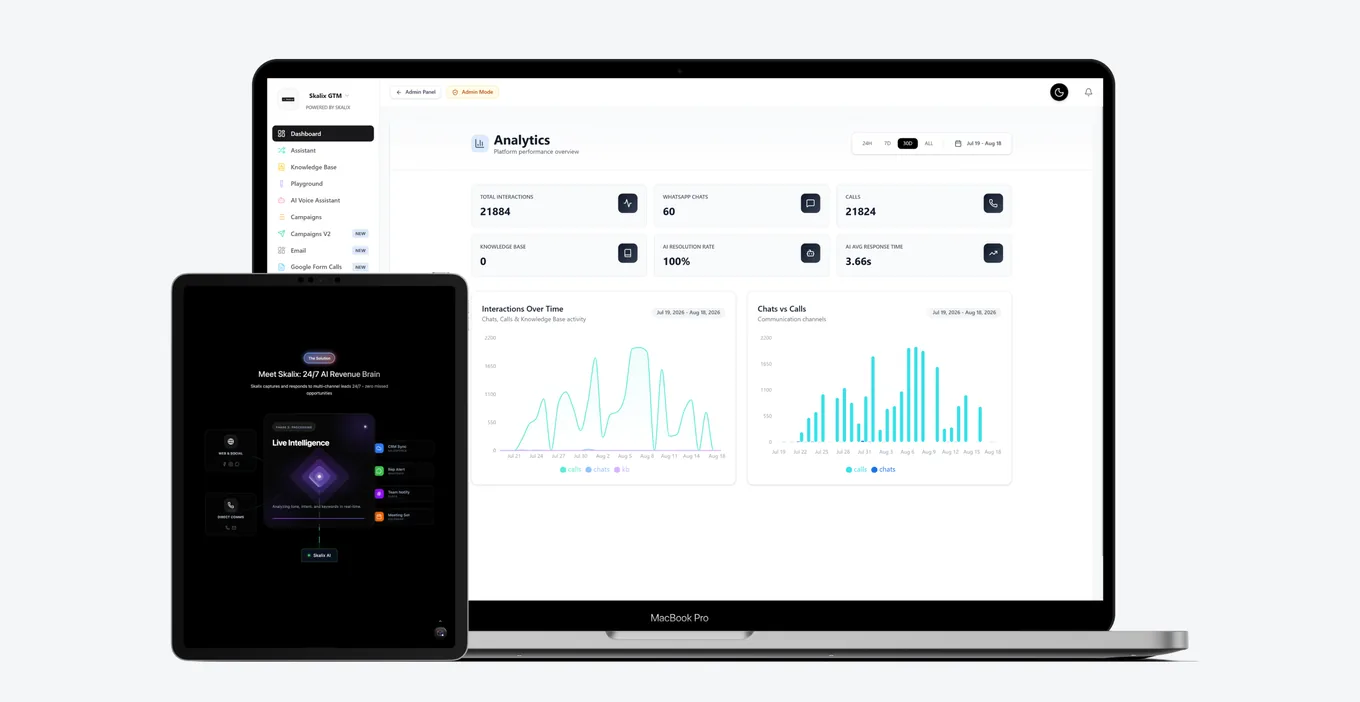
Inspect Skalix AI for related work connecting AI conversations and CRM actions. It is relevant integration experience, rather than a promise of your feature’s accuracy or business return. If the feature primarily reads documents and prepares structured records, the AI document workflow service provides a more specific starting point.
An AI-native revenue platform for calls, chat and customer follow-up.
View Skalix AI Case StudyMap the current user task, data permissions and accepted output.
Test representative inputs and resolve the integration and review boundaries.
Implement one feature with evaluation, fallback and a controlled rollout.
Review real use, failure cases and operating effort before expanding coverage.
A Product Pilot ($1,499 once) focuses on one workflow, core flows and prototype, build-ready requirements and an MVP roadmap. A Product Squad ($3,490 per month) supports ongoing product direction, design, engineering and iteration. An Embedded Product Unit (from $5,000 per month) adds capacity for larger products and multiple workstreams.
Not automatically. We first assess the existing architecture, available interfaces and the feature’s requirements. The proposal should explain what can be added within the current product and where a bounded change is necessary.
That should not be assumed. Define the account, user role, permitted sources and actions for the feature, and test those boundaries in the complete product workflow.
Agree output acceptance, real workflow adoption, review effort, cost and customer outcomes before rollout. A good demonstration alone does not establish a useful ongoing feature.

If you have committed to a software venture and need a team to shape, build and keep improving it, start with a product conversation.
Human judgment. AI-native delivery. One team accountable from the first decision to every release.