01 - Start the MCP Server Security Checklist With One Tool
An MCP endpoint can expose a harmless calculation, confidential records or an operation that changes a business system. Those capabilities need different acceptance evidence. Begin with one intended operation, its system owner and the actor who is permitted to use it. A successful connection or a tool appearing in a client menu proves only part of the integration.
This MCP server security checklist uses an illustrative protected support lookup and a proposed follow-up action. It does not certify a server or claim that every test applies unchanged to every deployment. Download the editable MCP acceptance register and record the actual client, protocol revision, transport, expected result and evidence location for your integration.
02 - Separate Public Demonstration From Protected Access
Use the public CSV validator to inspect a bounded tool contract. The remote route receives supplied CSV and explicit column rules, then returns validation findings. Use synthetic or redacted inputs. The browser-local route provides a different data path. The example does not authenticate a private CRM user, import account records or demonstrate an enterprise identity deployment.
For your own integration, describe where data moves when a tool is invoked. Record which part runs locally, which part receives a remote request and which destination system supplies or changes the record. A buyer should be able to explain that path without assuming that every operation shown inside an AI client stays on the user’s device.
03 - Derive the Record Boundary From Trusted Identity
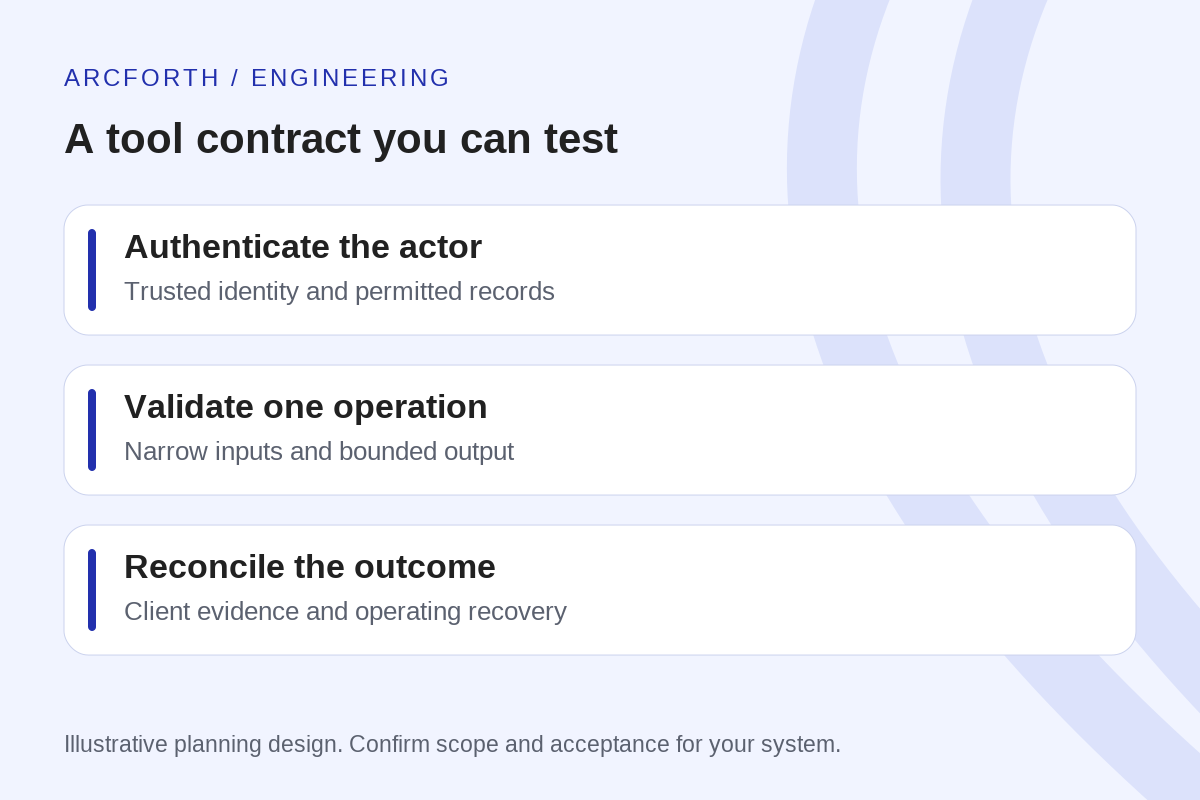
In the illustrative support tool, the server receives a case reference while the application derives the organisation from authenticated identity. Test the permitted case and a case belonging to another organisation. Change the reference in the request rather than only hiding the other case in a menu. The server should reject access through the actual call path, including any cache or export path used by the implementation.
The MCP HTTP authorisation specification describes the protected-resource mechanism. Application permissions still define what the authenticated actor may do. Record the reviewed version and supported client. A token that is accepted at one boundary does not by itself establish authority over every record reachable through the downstream integration.
04 - Give the Reviewer Observable Test Results
| Test | Attempt | Expected evidence |
|---|---|---|
| Permitted lookup | Read a case in the actor’s organisation | Permitted bounded result |
| Cross-organisation lookup | Submit another organisation’s case reference | Server-side denial |
| Revoked access | Repeat after removing the actor’s permission | Denied request without stale private result |
| Invalid input | Submit unsupported or oversized arguments | Rejected input within declared limits |
Record the actor role, safe record reference, tested client and redacted result beside each case. An unexplained screenshot of a working chat is insufficient for reproducing an access test. Keep the register small enough that the operator can repeat it after a permission, client or integration change. The expected result should remain understandable even when the implementation team changes.
05 - Treat a Write as a Separate Contract
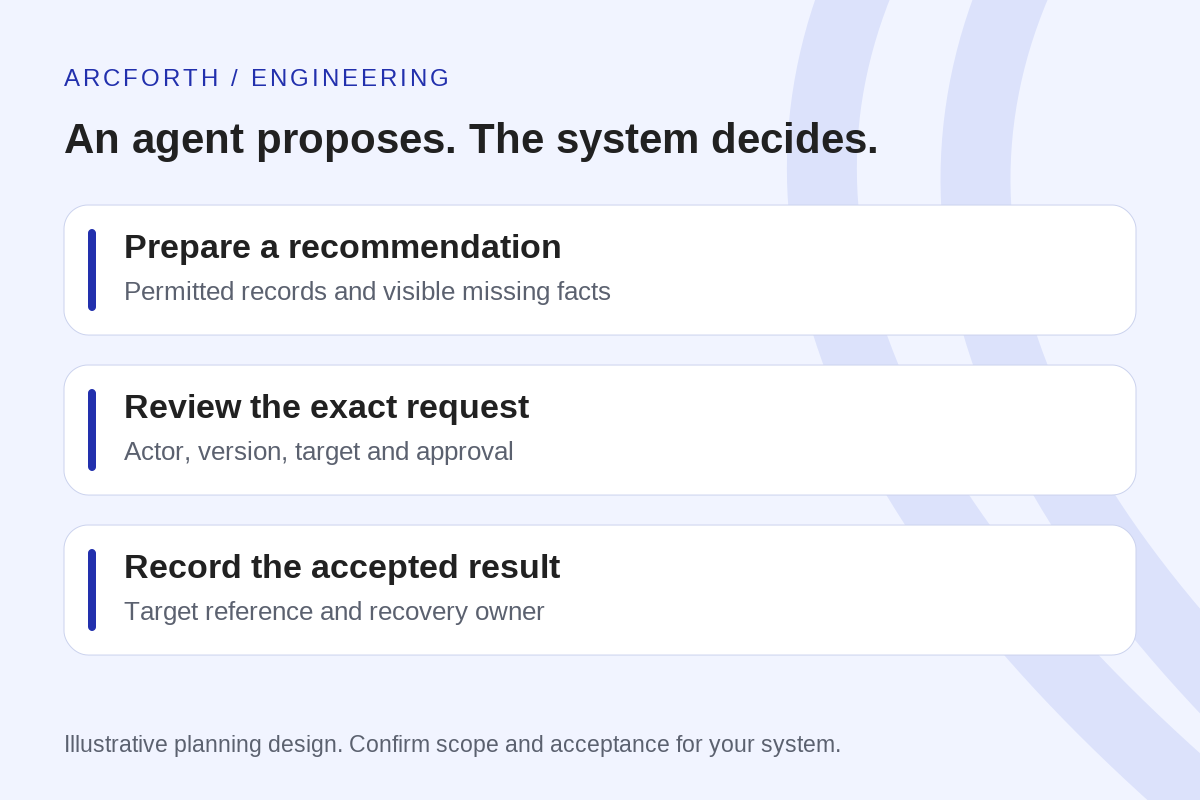
A support lookup and a follow-up action should not inherit the same authority simply because they share a server. Define the exact operation, target record, allowed parameters and decision owner. If review is required, show the reviewer the request that will actually execute. A changed destination or record version should trigger the agreed review policy rather than reusing an unrelated approval.
Include a timeout after the destination may have accepted the action. The operator should be able to reconcile the target reference before another write occurs. Repeat the same business task and inspect whether a duplicate appears. The implementation must define how task identity, repeated delivery and uncertain state are handled; a descriptive hint in a tool definition cannot establish those behaviours.
06 - Check Destinations, Credentials and Returned Content
The official MCP security guidance discusses token passthrough, untrusted destinations and related integration risks. For your server, list the reviewed downstream services and where credentials are stored. Avoid accepting arbitrary destinations or forwarding a credential merely because a model supplied a plausible URL.
Treat text returned by a business record as data, including text that attempts to change instructions or request another action. Return only the fields the task needs. Bound the request, output and execution time. Decide what may appear in operational logs and which role may inspect it. These controls should be evident in the actual application path rather than existing only in a supplier’s checklist.
07 - Test the Client and the Failure Route
Record supported client and server versions, the transport and the expected discovery behaviour. Test malformed arguments, downstream unavailability and a result that exceeds the declared size. Observe whether the client presents a recoverable error or encourages the operator to repeat an uncertain action. An implementation that works in one development client may still need compatibility work for the client used by the business.
The agent workflow guide helps define state and operator handover. The cloud readiness guide covers runtime and recovery responsibilities. For related product integration work, inspect Skalix AI; its public product case is context, not an assertion that it uses the same protected MCP server proposed here.
08 - Turn Acceptance Into a Release Decision
Keep this MCP server security checklist with the release notes. Repeat the relevant cases when a client, permission rule, tool schema or downstream API changes. Record the tested versions and unresolved results so the next operator can distinguish an accepted release from a demonstration run on a different setup.
Review the test register with the system owner and the person who will operate the integration. State which cases passed, which were not run and which dependencies remain unresolved. Keep a versioned record of the tool schemas, permission decisions, client compatibility, deployment instructions and operator recovery route. A test that depends on a developer’s private account should be resolved before handover.
MCP server development scopes that integration work. If the business task also needs an agent’s decision and review journey, pair it with AI agent development. Use the managed AI scope guide to decide who repeats checks after release. The useful outcome is a tool contract your team can operate and re-evaluate as its systems change.
Have an MVP or AI product to validate?
Agree one workflow for a clickable prototype, or scope a $1,499 Product Pilot for product decisions, core flows and a build roadmap. Production engineering is scoped separately.
The design, engineering, and product research collective at Arcforth building tomorrow's category-defining digital products.